Publish the session draw
Write the prize and the rule the stage will announce. It can be one draw for the whole room or one per session.
Talk and conference
At talks and conferences, people already came to listen. The QR code goes on the slide, anyone who wants in signs up on their phone, and the name appears on the TV.No app, no raffle box, and no second line at the door.
Is your operation a trade show or a booth? See the booth activation
How it fits on stage
Write the prize and the rule the stage will announce. It can be one draw for the whole room or one per session.
Leave it on the first slide and show it again before the moment. Late arrivals can still join, with no app to download.
Close sign-up, show the names, and draw the winner from whoever signed up in that room.
The draw is a planned pause: between sessions, at the close, or as a call to the next one. The host runs it on the TV. Names and the prize appear in real time.
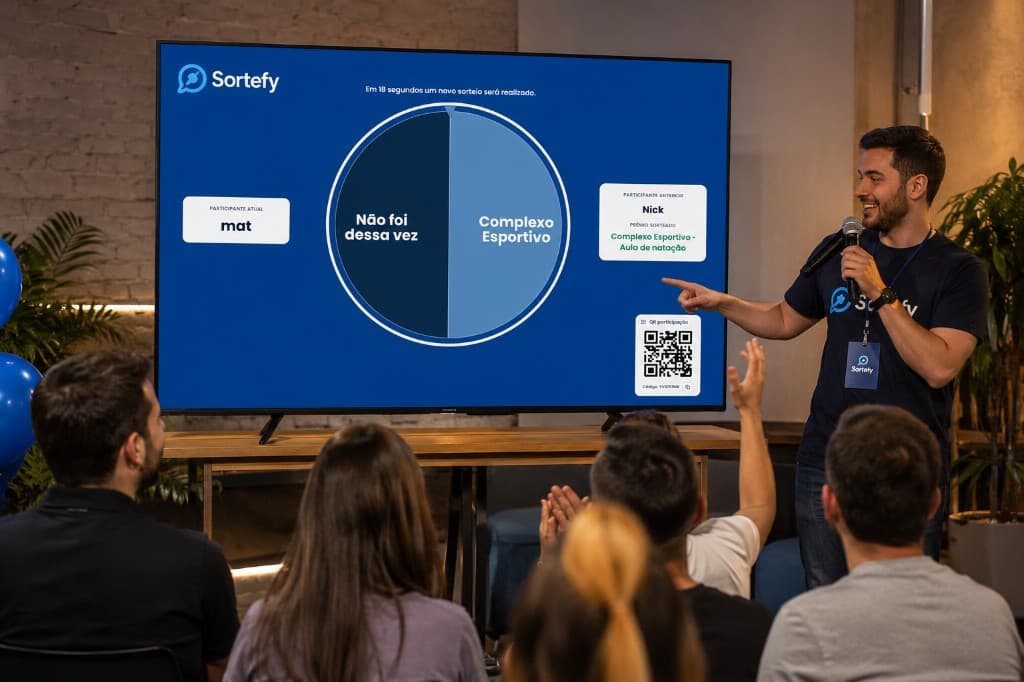
Whoever pointed at the QR code in that room and finished signing up is in. That is the list on the TV. Sortefy does not import the badge list or the ticket buyers.
If the conference has more than one room, each room can have its own QR code, prize, and list, inside the same event. Paid plans allow up to 10 draws. On the Free plan and in the demo, the limit is 2.
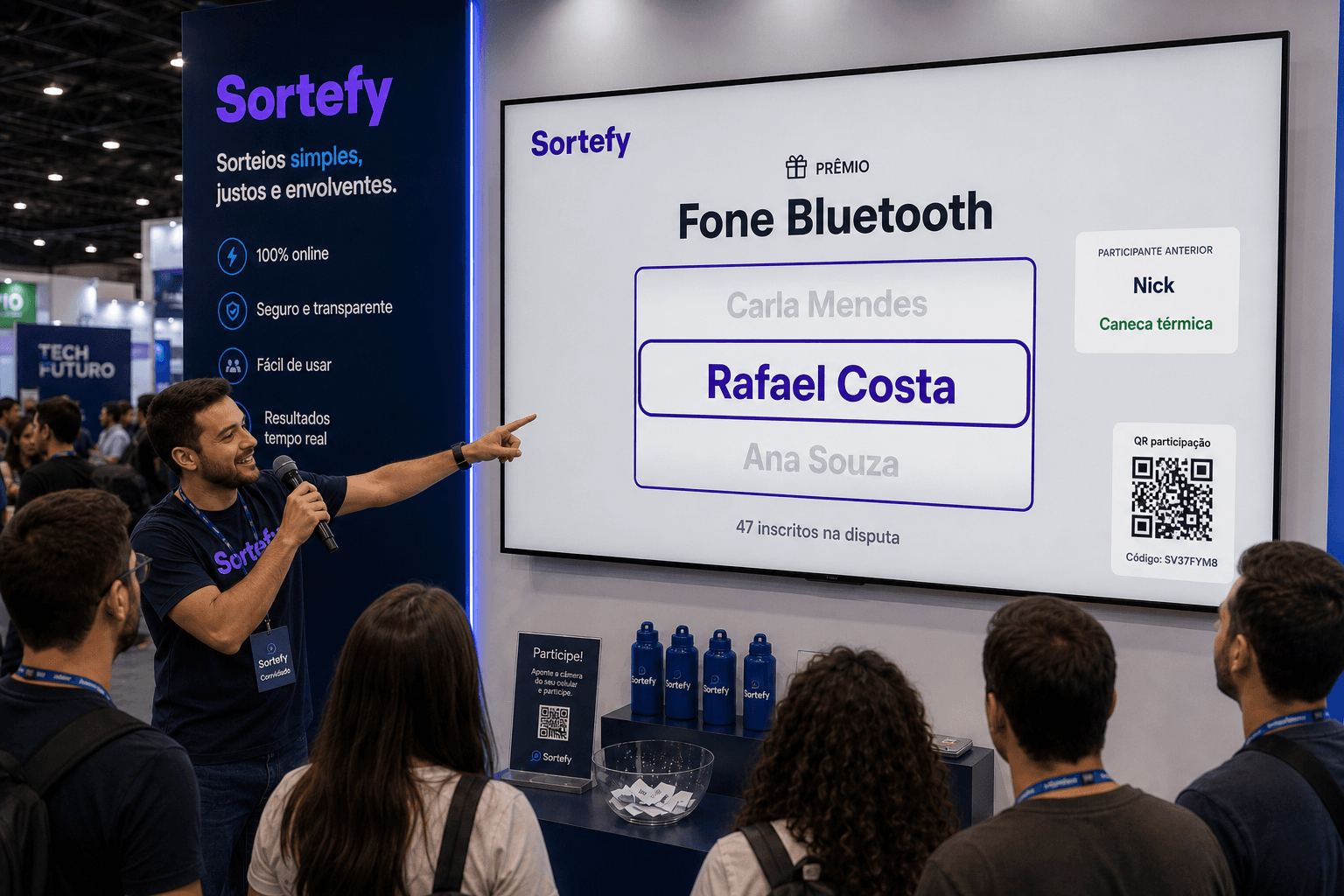
The CSV is whoever was in the room and agreed to be contacted, with the form answers. It is for follow-up from that session.
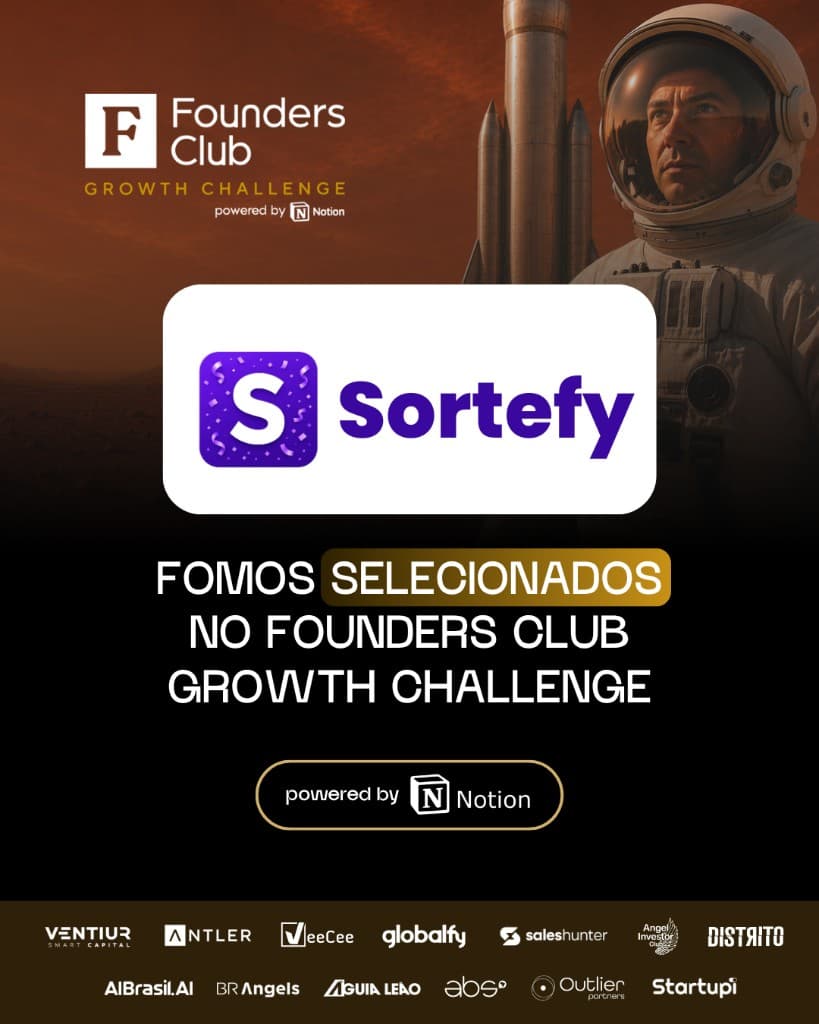
Recognition
Sortefy was one of the startups accepted into the acceleration program by Founders Club, in partnership with Notion — among more than 1,500 applications from across Brazil.
Content, connections, and guidance to improve the product, go-to-market, and event activations.
Read the full storyCustomers


Plans
Try it with fictional data and buy a plan when you are ready for a real event.
Special offers for the first customers.
R$ 0/ to try
A guided tour with fictional data. Try the wheel and the event flow. It is not for a live event.
Pay per event, with no lock-in. Payment is by PIX in Brazilian reais: the license is released immediately, with no waiting on the team and no automatic renewal.
R$ 29/ per event
R$ 59/ per event
R$ 99/ per event
R$ 149/ per event
R$ 249/ per event
* Plan benefits expire at the end of the event. Unused allowance does not roll over.
FAQ
Whoever signed up with that room's QR code and is valid. The badge list or the ticket list is not added automatically.
No. The draw is whoever agreed to join on the spot, from the QR code on the slide. Someone already badged in who did not point their camera stays out.
No. The participant opens the QR code on the slide with their phone and joins directly.
Yes. In presentation mode, the list stays on the TV and the winner's name appears live, in front of people who checked their own sign-up.
Yes. Each room can have its own QR code, prize, and list inside the same event. Paid plans allow up to 10 draws. On the Free plan and in the demo, 2.
Yes. Data is protected with access controls and privacy practices aligned with Brazil's LGPD.
Yes. Leads can be exported as CSV for your CRM and sales workflows.
You choose a plan, pay with PIX, and the license is released automatically. It is per event: there is no monthly fee and no automatic renewal. Billing is in Brazilian reais. Add a CPF or CNPJ on your profile to generate the PIX charge.